Agent Gallery OperationsRunning Agents
Logging In to Agent Gallery
Authenticate with Agent Gallery Preview to unlock favourites, runs, and other features.
Follow these steps to sign in so you can run agents, add agents, and access gated views such as My Favourites.
Prerequisites
- An active Agent Gallery account is required. As the gallery is currently in early preview, accounts are available on request. Do note that this account is separate from your enterprise Accenture account.
Request Access
Submit a request for access.
Sign-In Steps
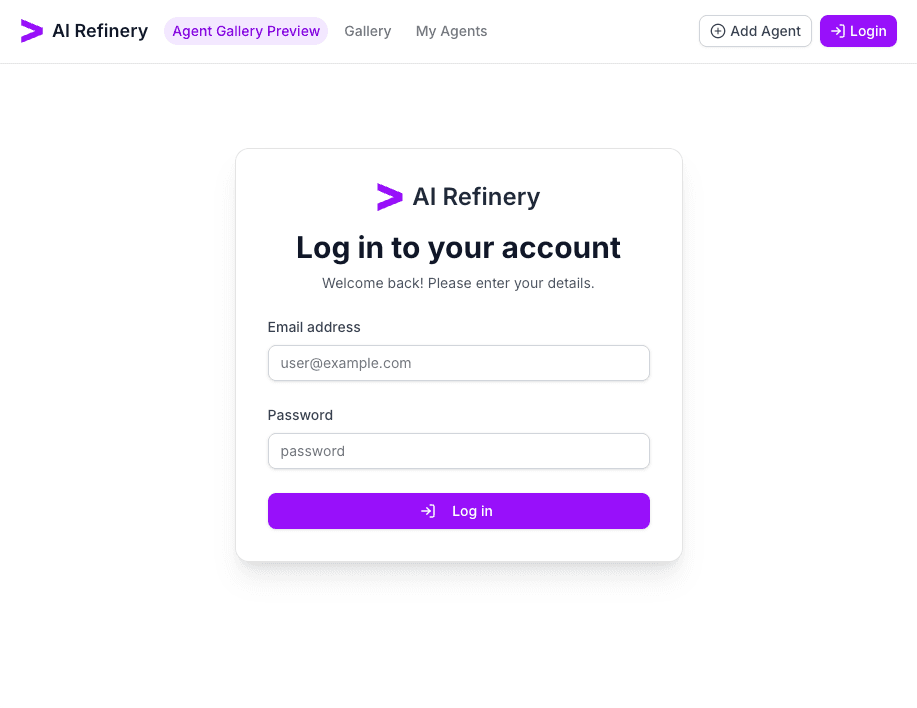
- Navigate to the Agent Gallery homepage and select Login in the top-right corner.
- Enter your email address and password.
- If the login is successful; the header updates to show your profile avatar at the top-right corner.
Verify Access
- Open the profile menu to confirm options such as My Favourites are available.
- Attempt to favourite an agent; the button should switch to Favourited without requesting additional login prompts.
- If access fails, re-run the sign-in flow or create a support ticket with the timestamp and any error codes.
Troubleshooting Tips
- Clear cached credentials or use an incognito window if the login page loops.