Agent Gallery OperationsRunning Agents
Example: Running a Search Agent
Launch and validate the DuckDuckGo Search Server agent from Agent Gallery.
Before You Start
Login required
Running agents (clicking the run button) requires you to be logged in to the gallery. Refer to Logging In to Agent Gallery if you need to authenticate.
- Log in to Agent Gallery with your account.
Launch Steps
- In Agent Gallery, search for
duckduckand open the DuckDuckGo Search Server detail page.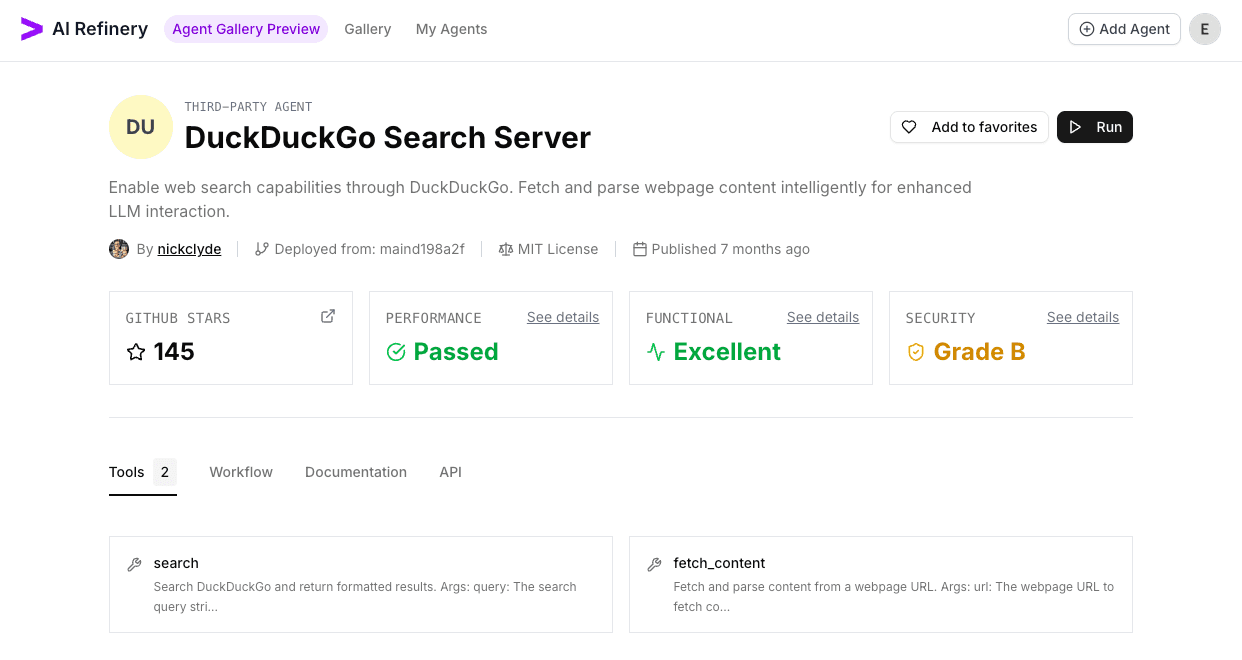
- Click
Run, review the default configuration, then chooseConnectto provision the agent.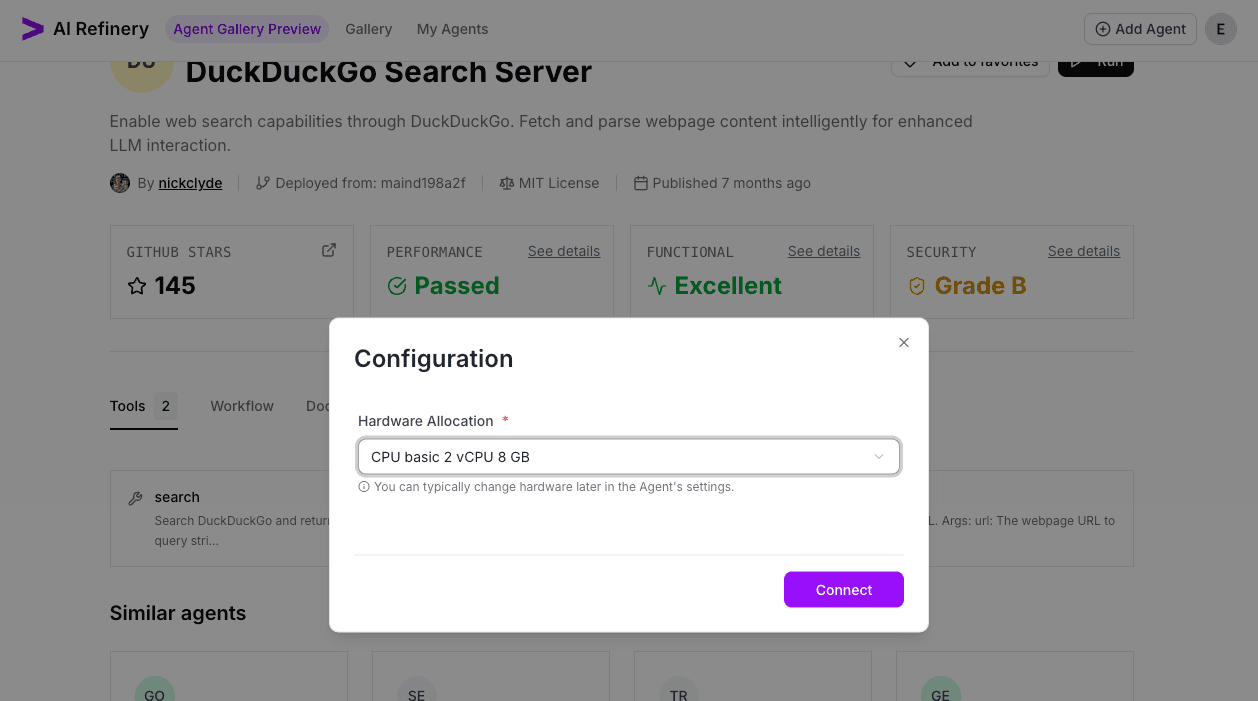
- Wait for the status indicator to show Agent is Running, then select
Go to Agentto open the live console.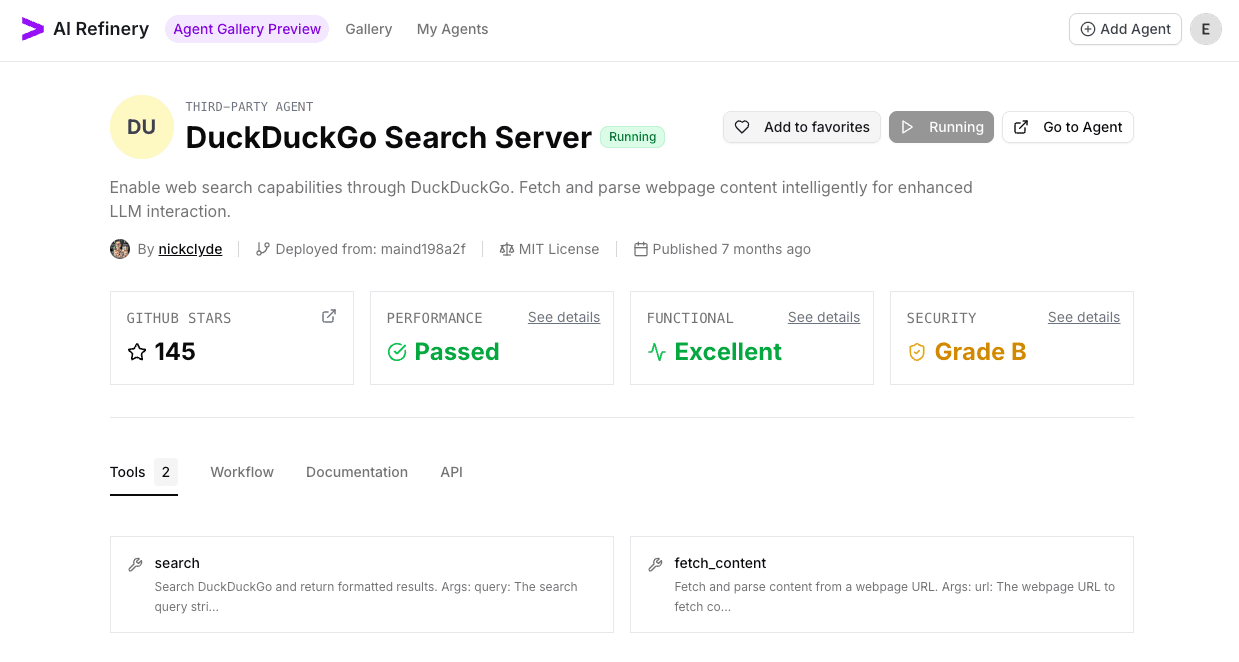
Validation Queries
Run quick checks to confirm results and ranking quality:
fetch https://airefinery.accenture.com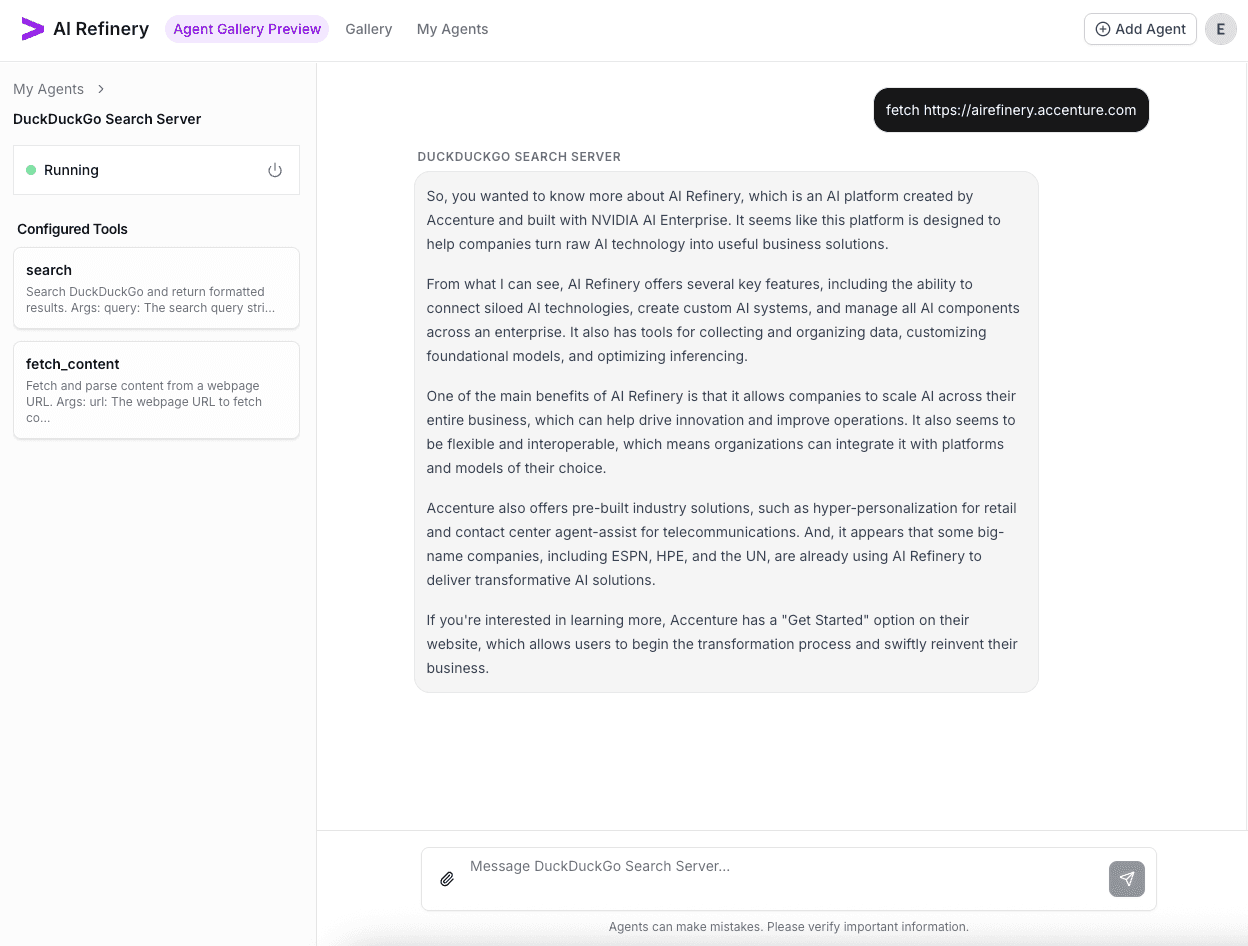
search for the top 5 sites that are similar to Accenture and format as a markdown table the title and url.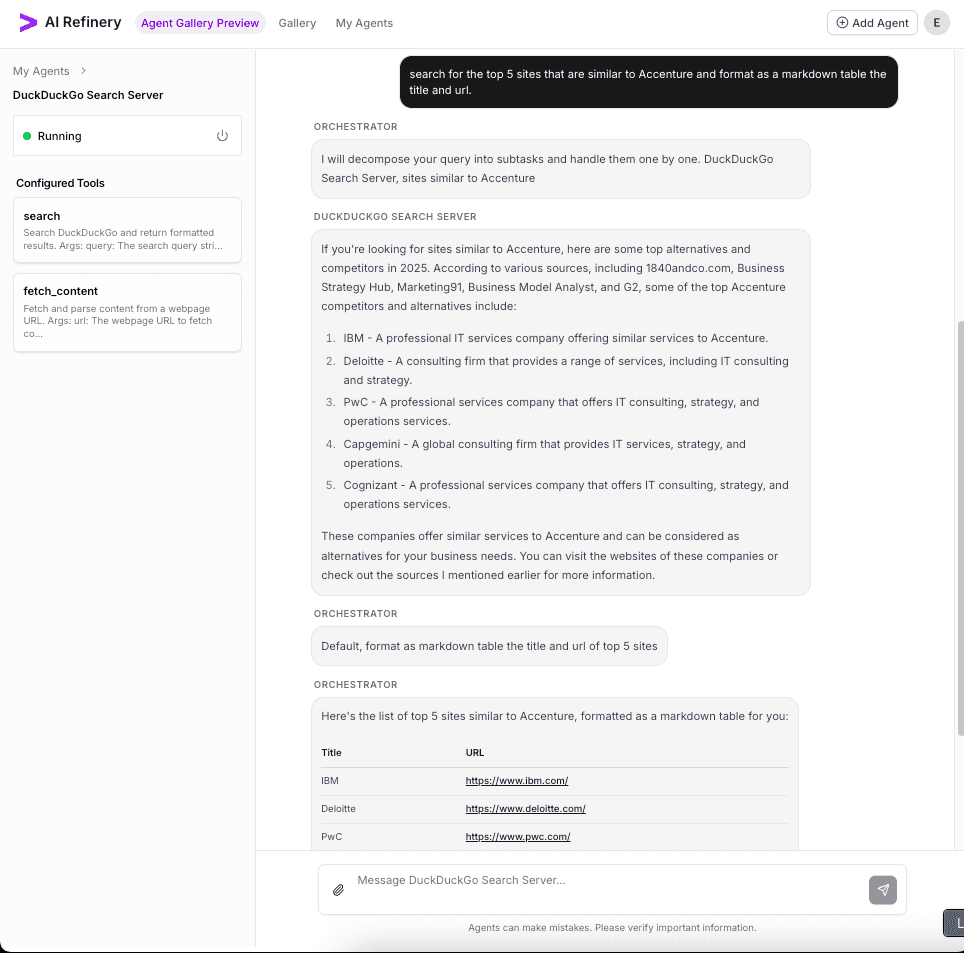
Shut Down the Agent
When validation is complete, choose Shutdown Agent from the run console (beside the Running status) to release resources.