Agent Gallery OperationsDiscover Agents
Discovering Collections
Walkthrough for navigating gallery collections and organization views.
Use this guide to locate curated collections in the gallery, inspect their member agents, and access organization directories when needed.
Open the Collections Directory
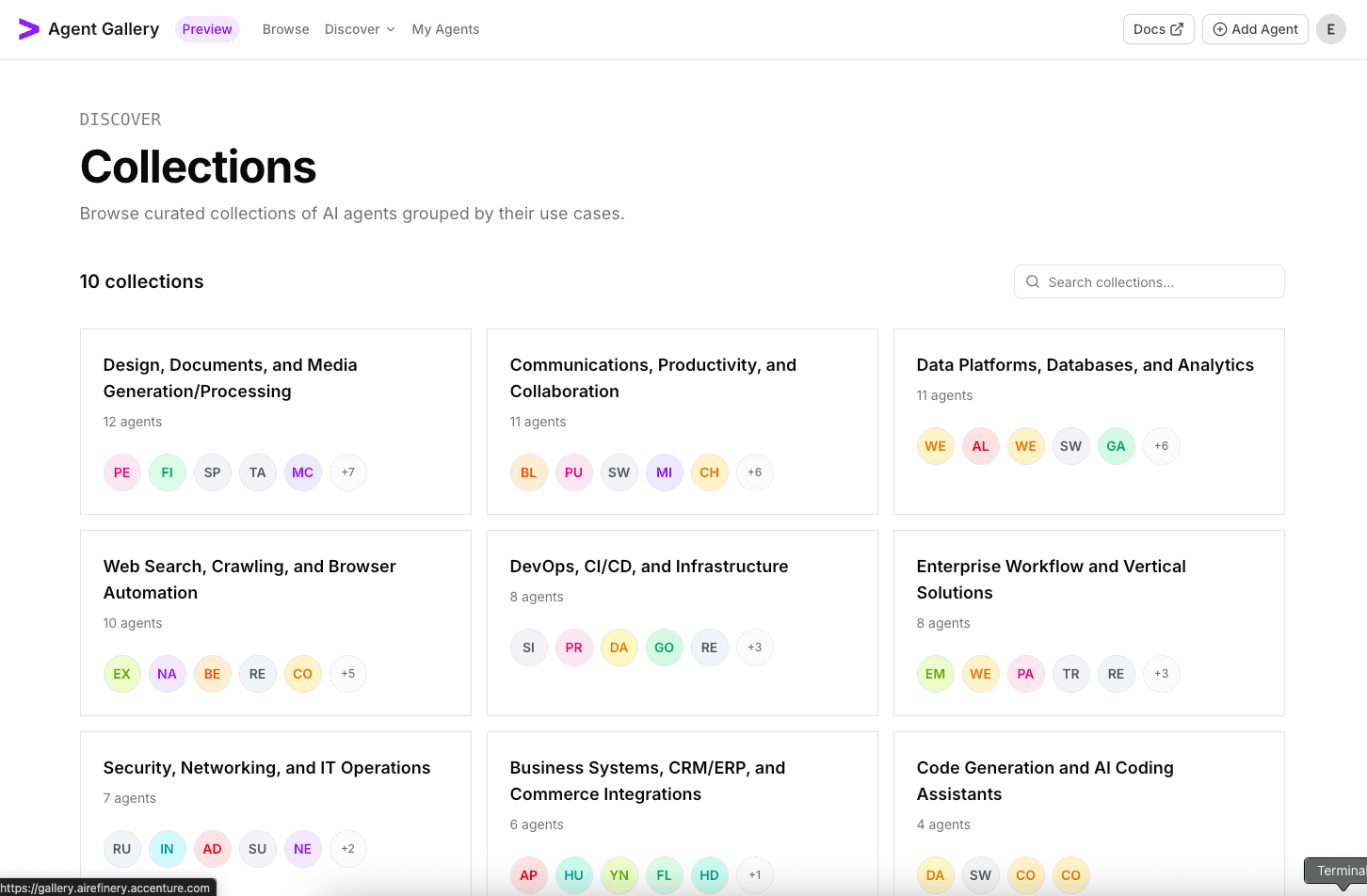
- From the top navigation, select
Discoverand chooseCollectionsto open the collections directory. - The header surfaces the total number of collections.
- Scan the featured tiles to understand the focus of each collection and how many agents it contains.
- Pick a collection that aligns to your use case and click its card to drill into the details.
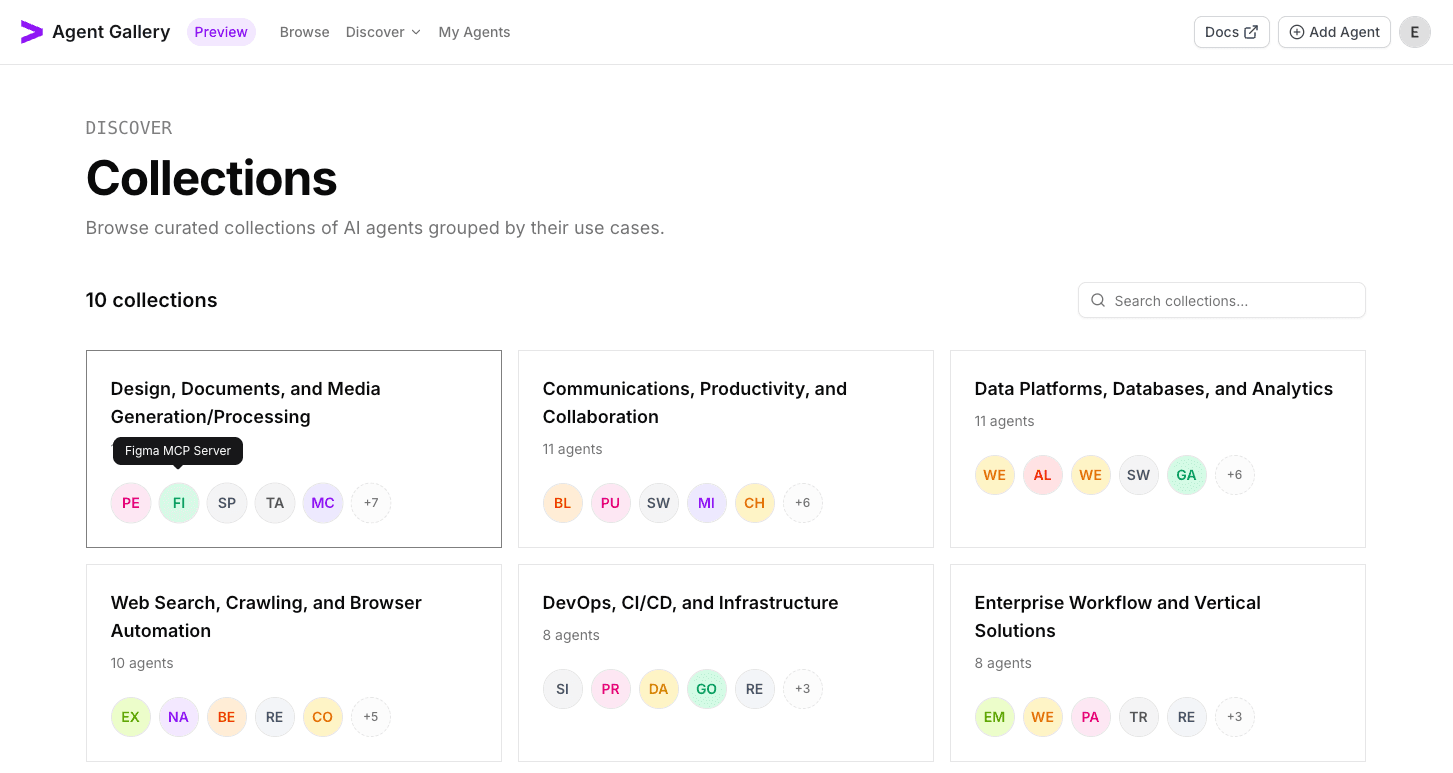
- If you hover over the collection card, you can quickly see which agents are in the collection and can select them directly.
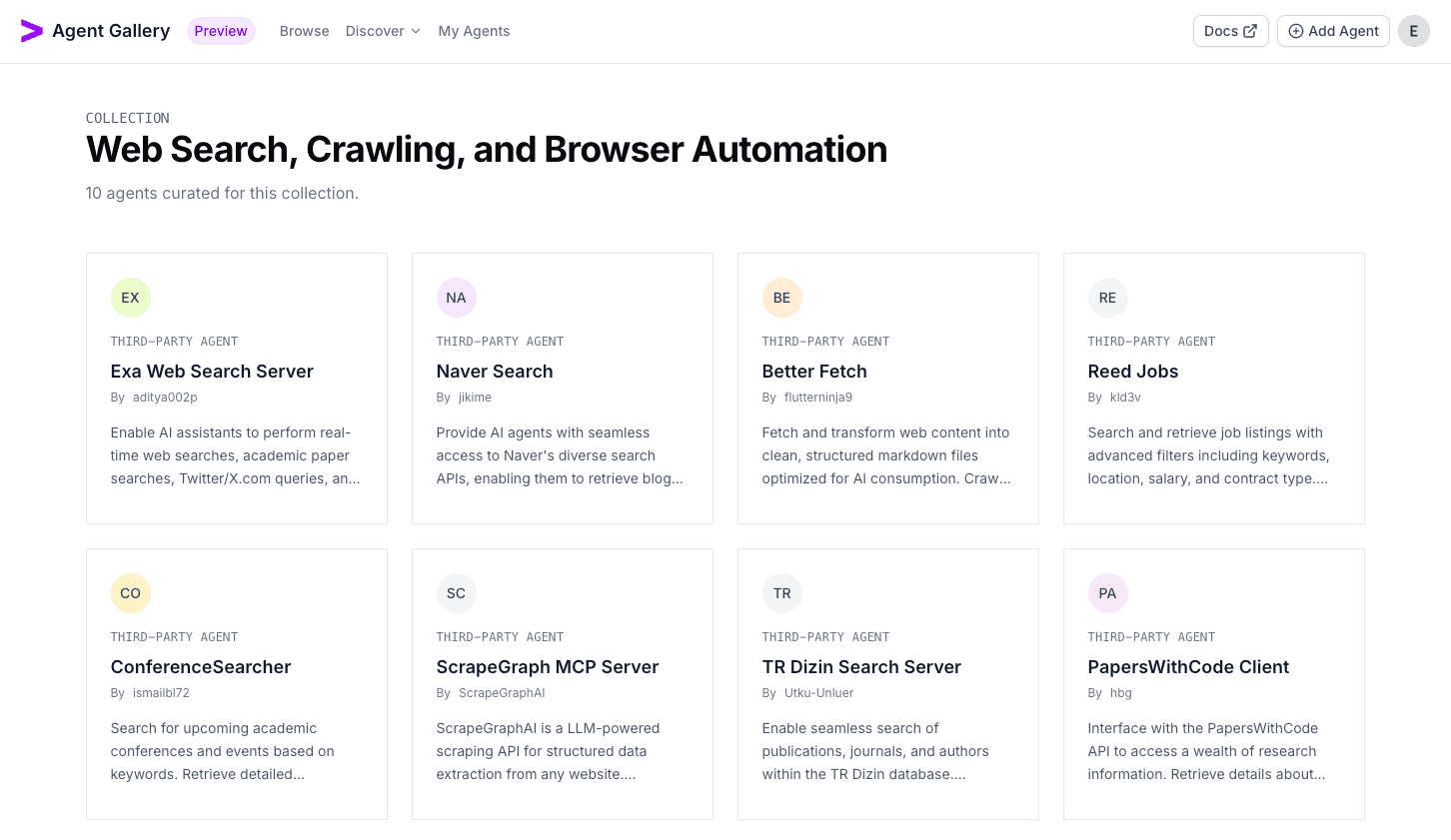
- You can also click on the collection itself to view the entire collection (clicking on the remaining agents circle also brings you to the collection page).
Switch to Organization Directories
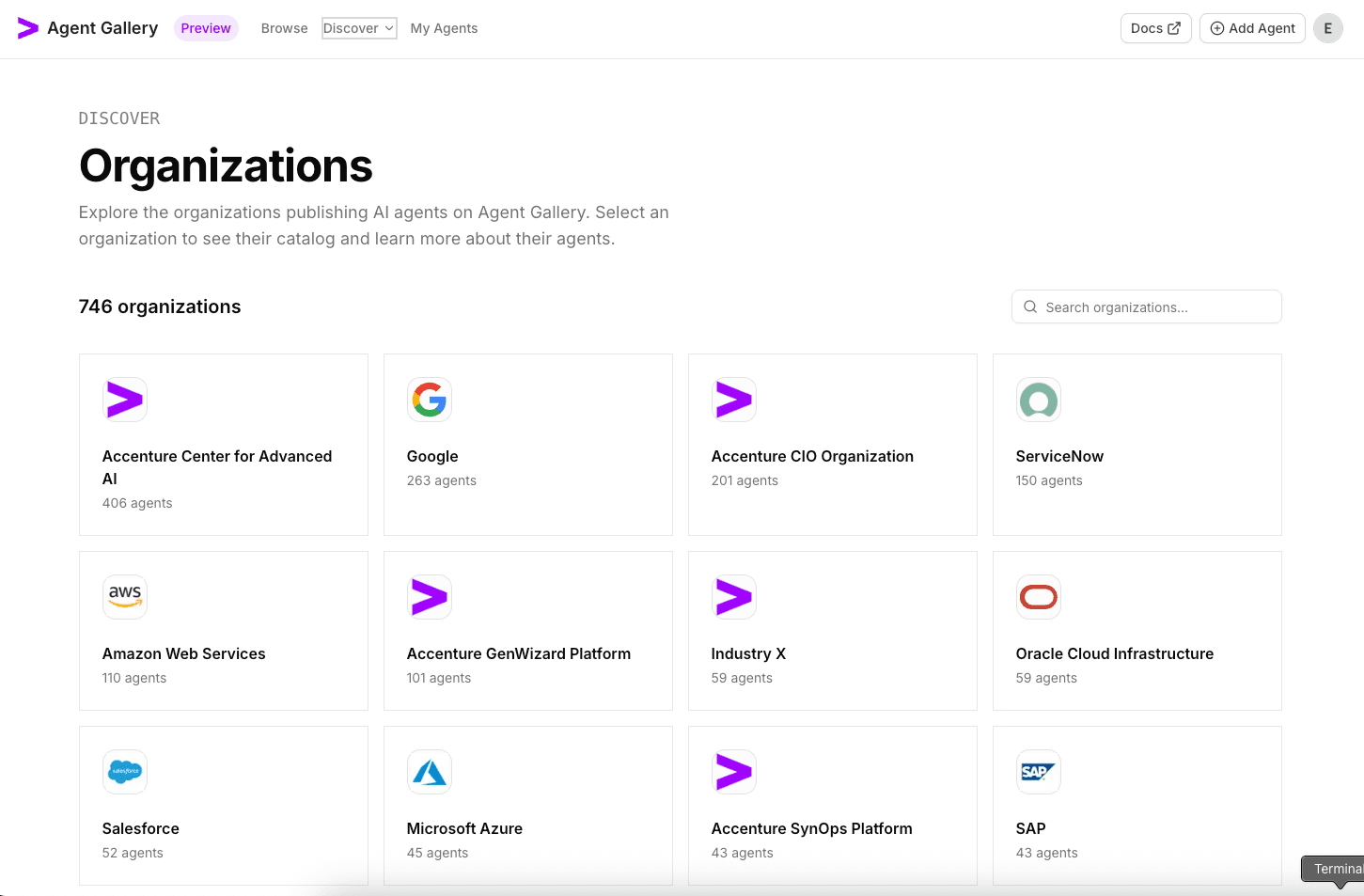
- Clicking on the
Discovermenu in the top navigation, you can also browse other directories likeOrganizations. - You can key in keywords in the search box to filter by matching organizations.
- Each organization card also displays the number of agents developed within that organization.
Inspect Organization Profiles
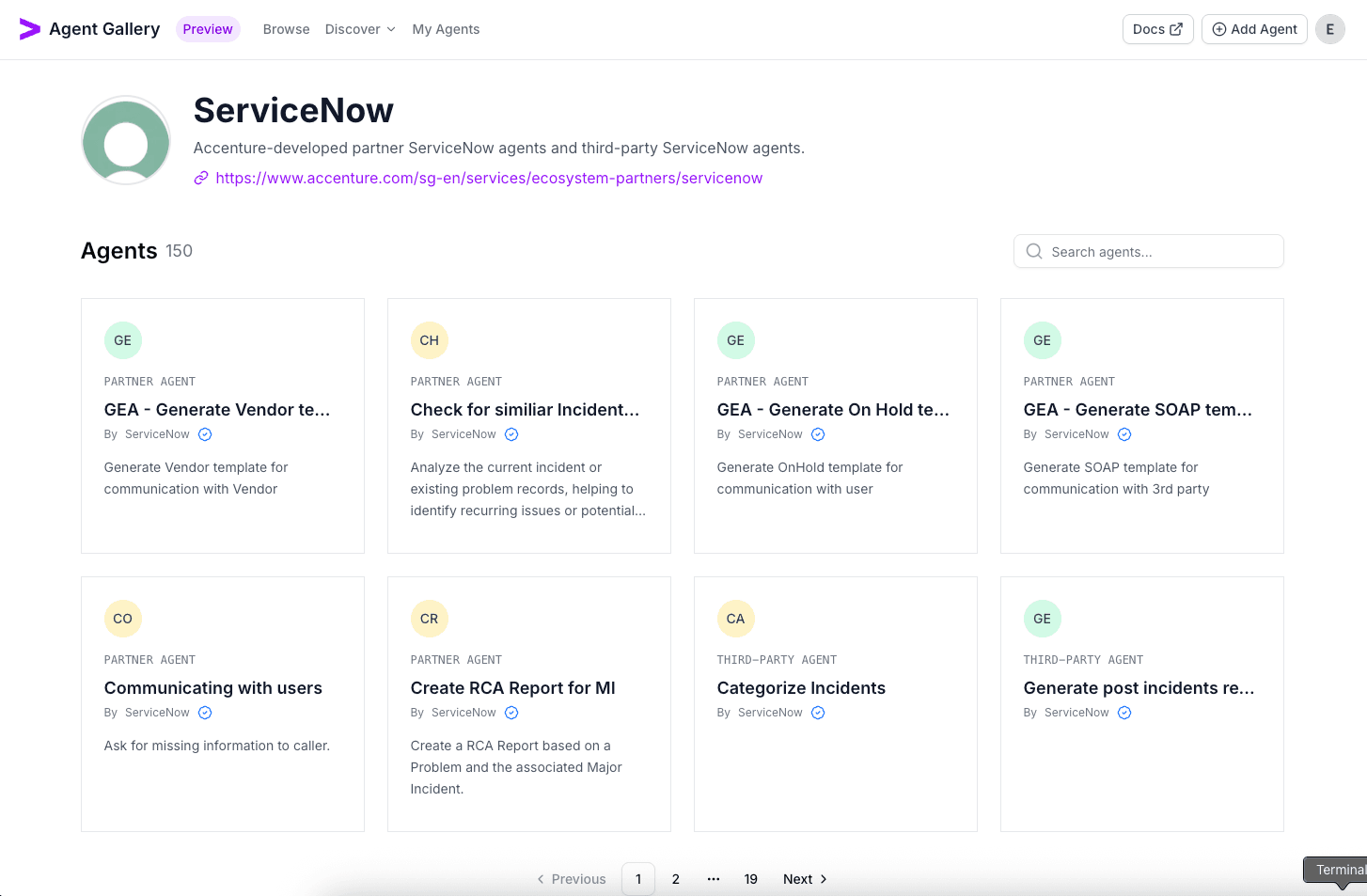
- Click on an organization card to view its profile, description and website links.
- Once within the organization page, you can search / filter with the search box, paginate from the bottom of the page and click in to view the organization details.